Updating Credit Limit and Other Billing Information
Subscriber accounts' credit limits and other billing details can be updated from the Apiculus Admin Console.
- To update credit period and credit limit, navigate to account details and update the field under the Billing Details sub-section.
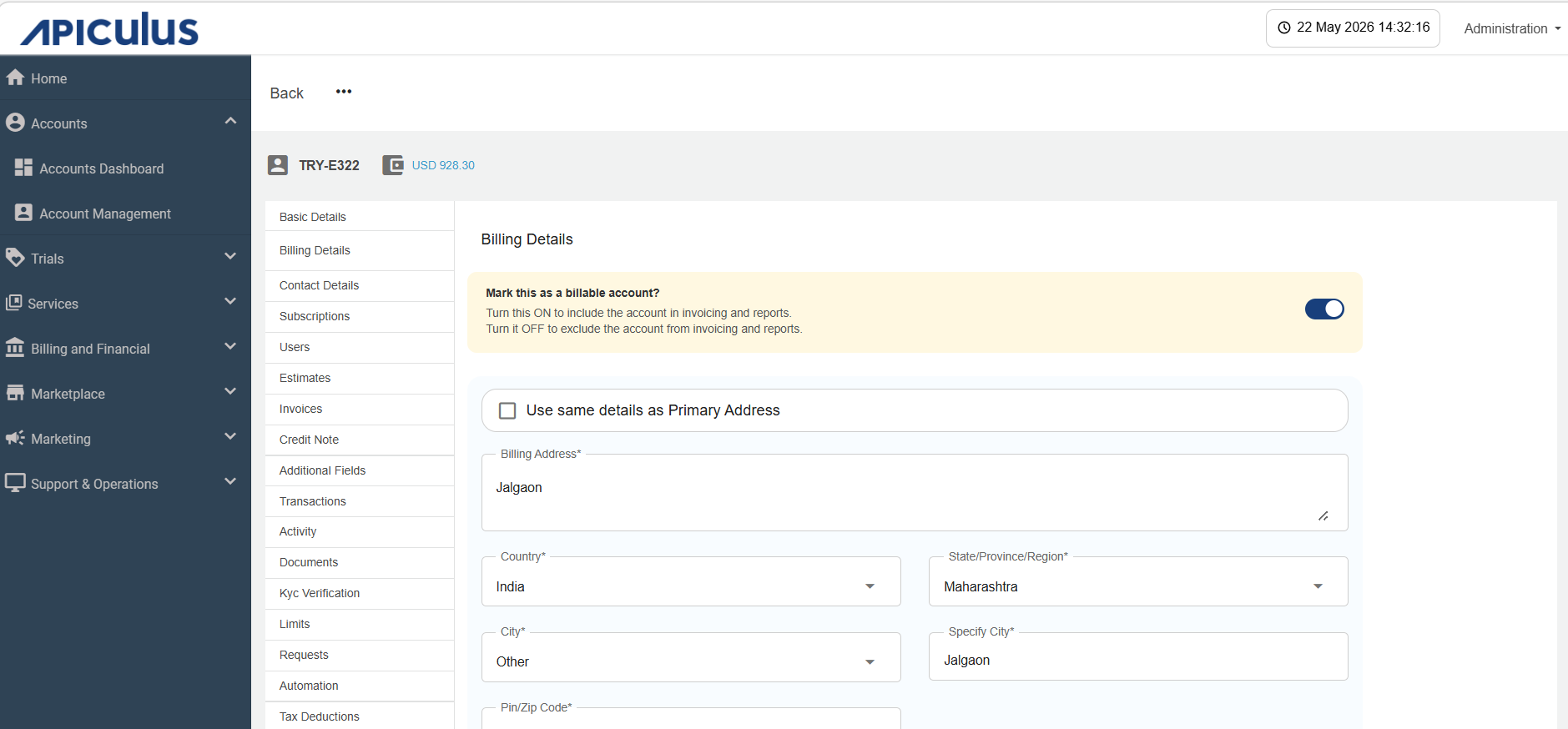
- Choose the appropriate Default TDS option for the Subscriber account.
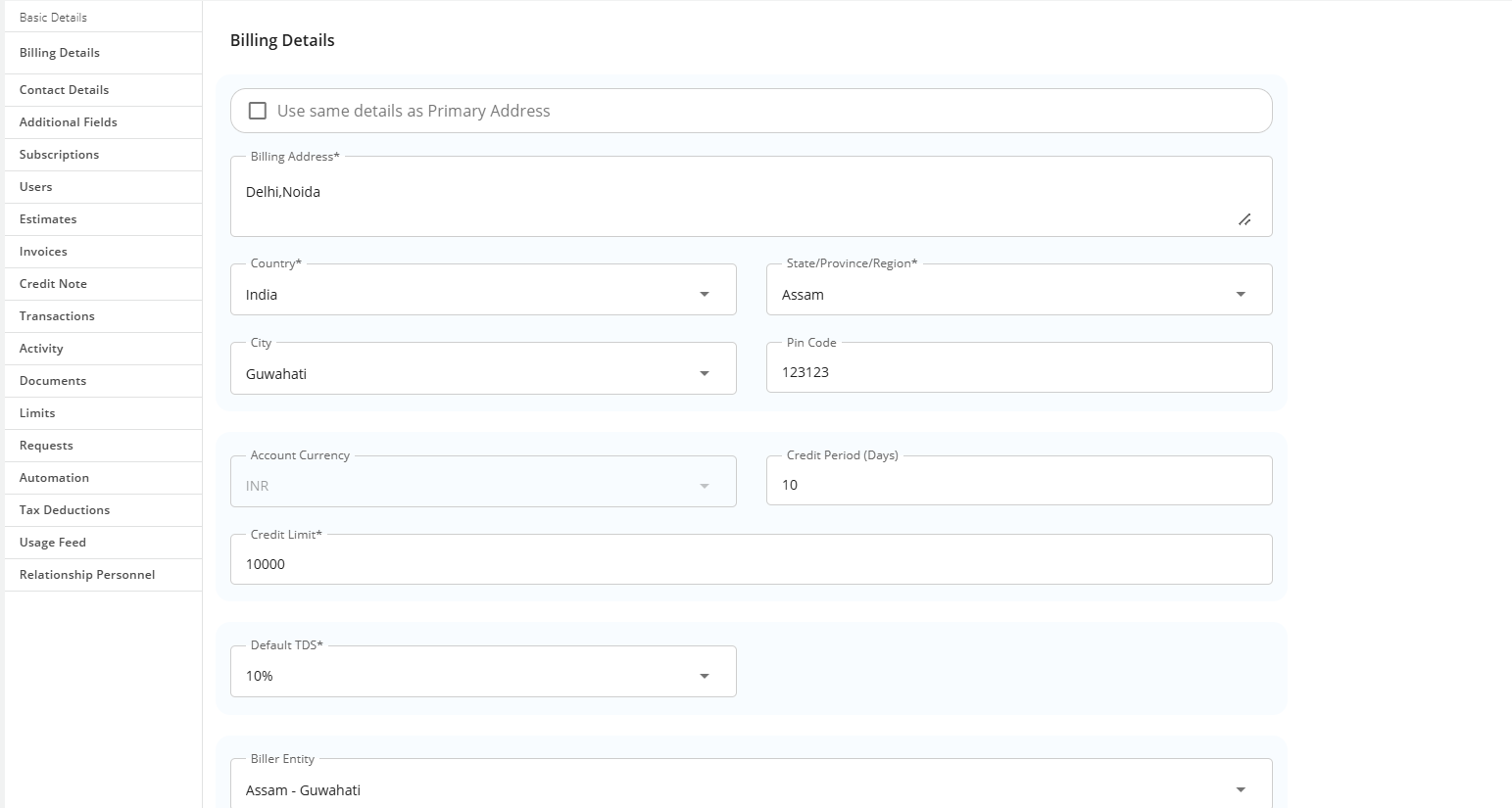
- Choose the required Biller Entity to map with Subscriber account.
- To update the billing contact, navigate to Billing Details and update the field(s) under the Contact Details sub-section.
note
This article only applies to information update. All billing actions are available under their respective sections.