About Virtual Firewall Instances
The Firewall Instance module describes how users can create and manage virtual firewalls using specialized Linux or Windows images, thereby protecting network traffic in the cloud. It includes easy-to-understand graphs to monitor activity, tools to manage storage (volumes), and alerts to warn about security issues or unusual behavior. This makes it easy to keep your cloud network secure, organized, and running smoothly all from one place in Apiculus. The module also explains how to use snapshots for quick restoration of the Virtual Firewall and covers network management features for connecting the Virtual Firewall to associated private networks. Additionally, it provides guidance on reconfiguring the Virtual Firewall and includes basic operations such as restart, force stop, delete, and rename.
Virtual Firewalls enables you to use Virtual Firewalls in a Virtualized Network Function (VNF) style, which include support for multiple VLANs and Public IPv4 addresses and automated service activation. This allows for more robust firewall management capabilities.
The Service falls under the Virtual Firewall and is built using our integration framework using pfSense or FortiGate VM for powering the appliance.
The following are the important features:
- Multi-VLAN support and multiple Public IPv4 addresses for Virtual Firewalls.
- Automated service activation, reducing the need for manual intervention.
- Subscribers can create, configure, and manage Virtual Firewalls with enhanced network interface controls, snapshots, etc.
- Limitations include predefined WAN-LAN configurations and one firewall per gateway.
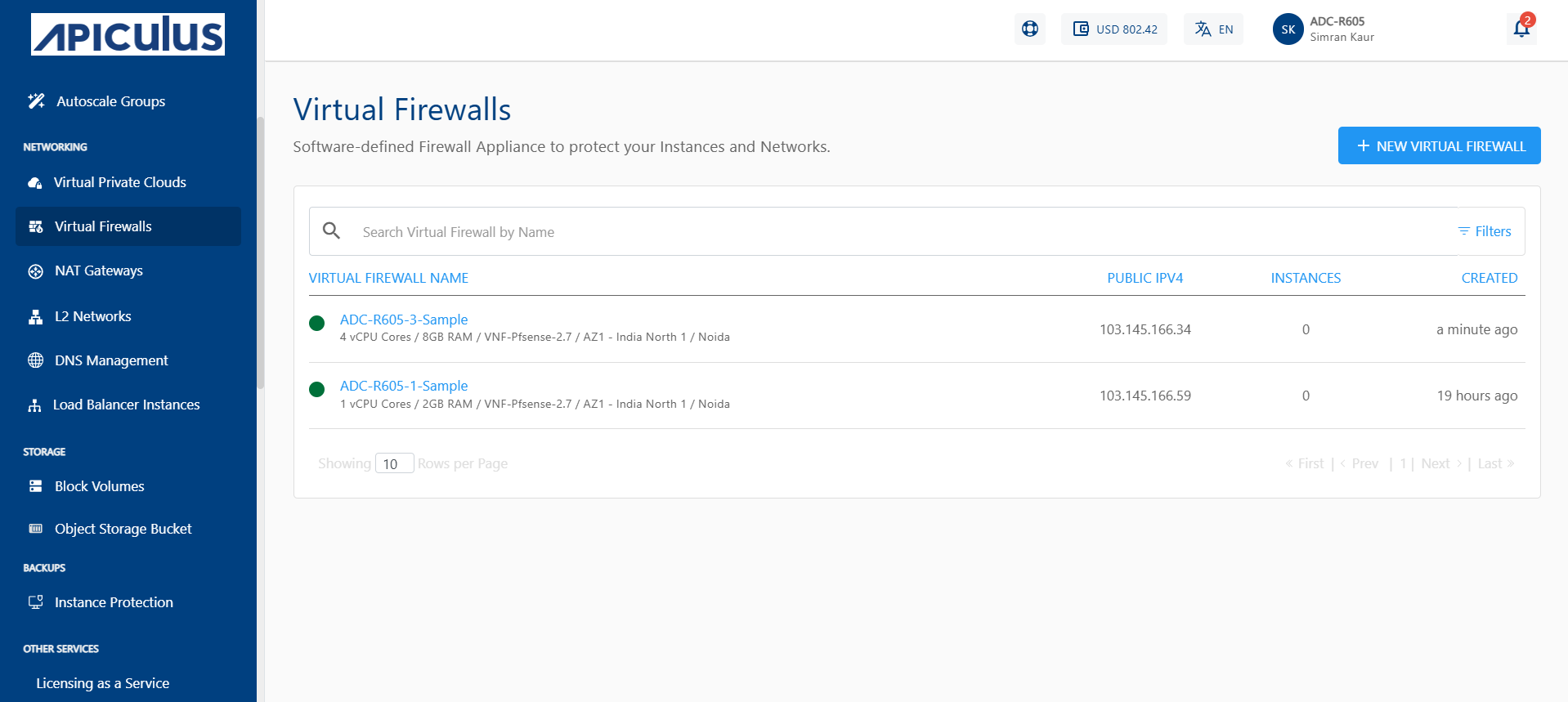
All virtual firewalls created in an account can be accessed from navigating to the Networking > Virtual Firewalls tab.