Resetting Password
To reset your forgotten password, follow these steps:
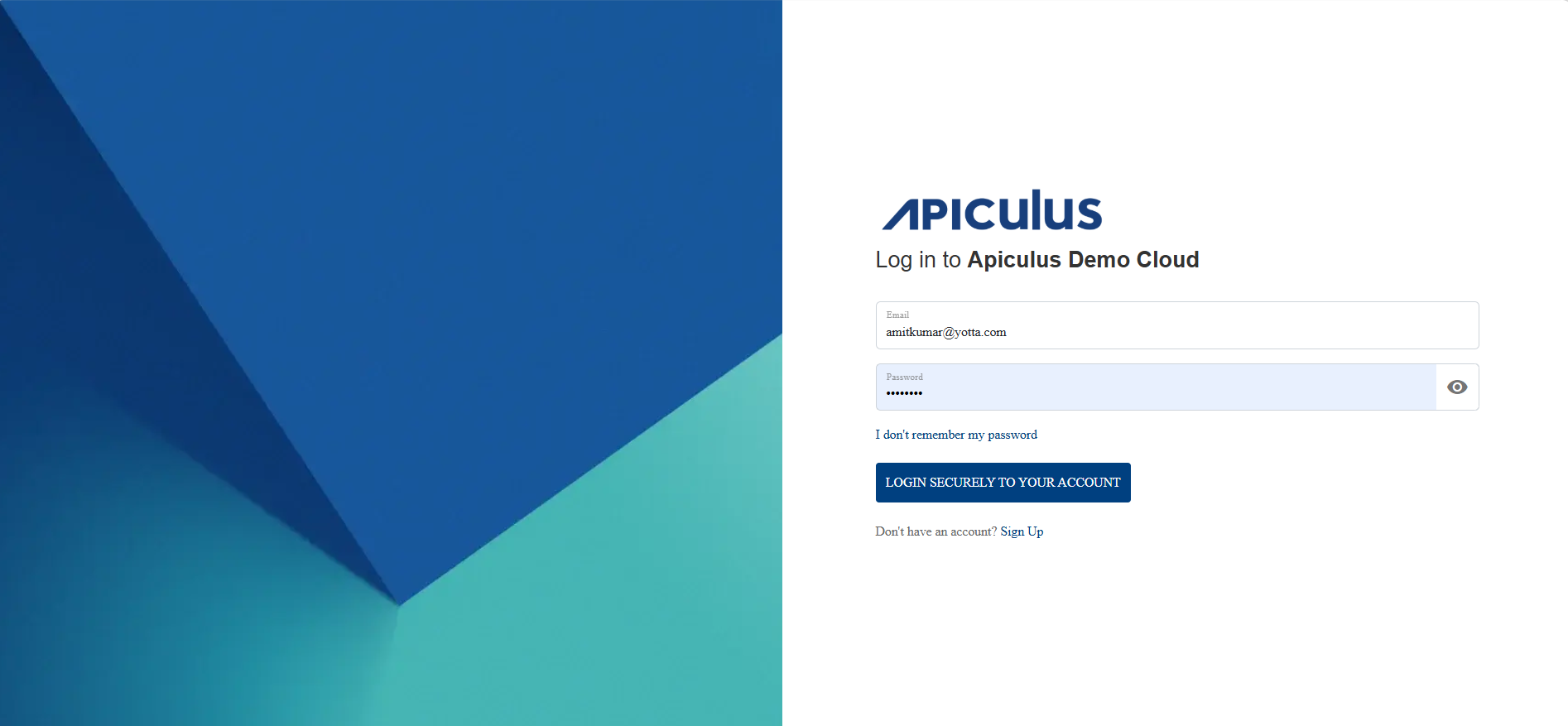
- You can reset your forgotten passwords clicking on I don't remember my password.
 The following screen appears: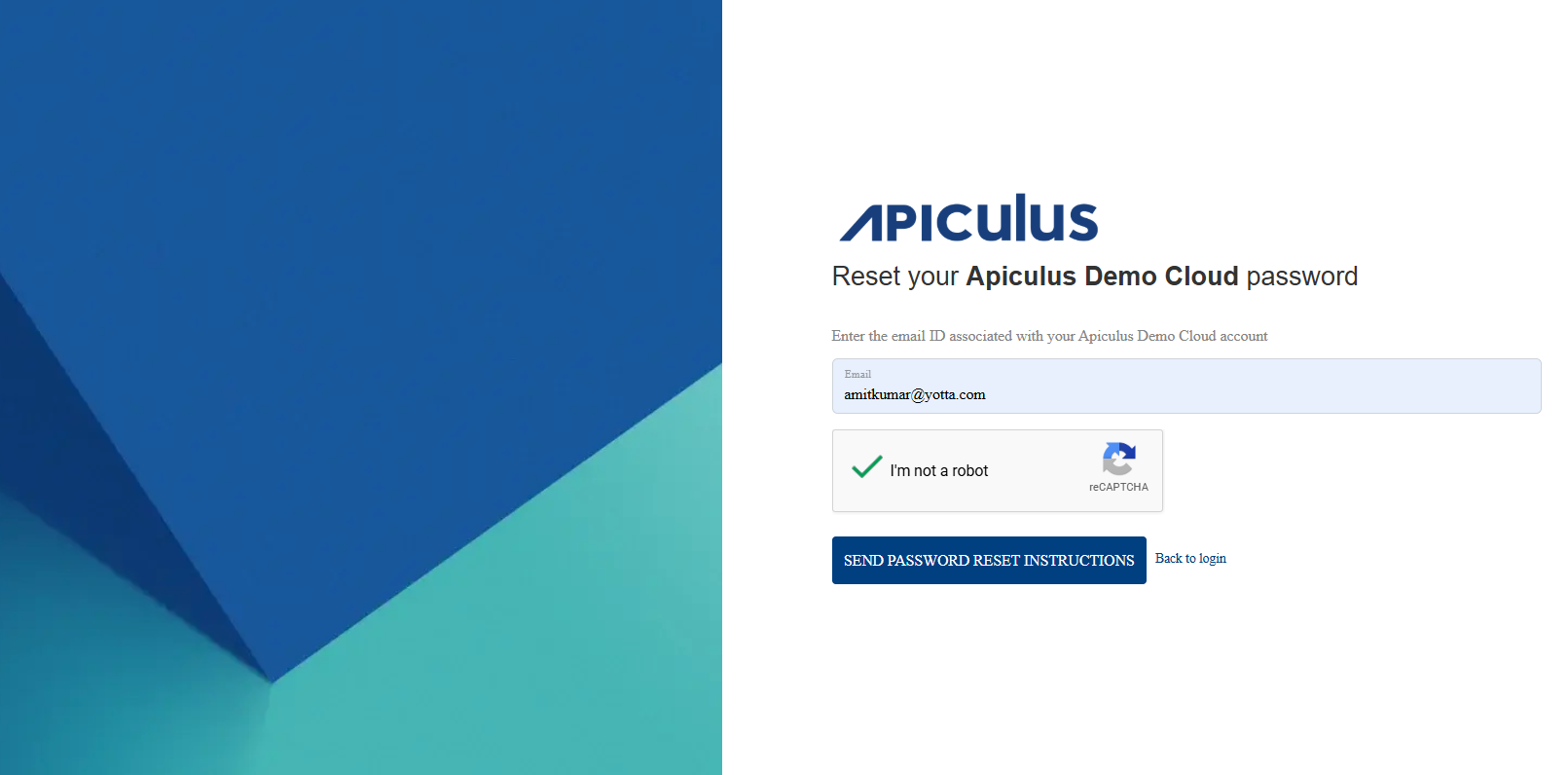
- Enter you email ID and verify via reCAPTCHA.
- Click the Send Password Reset Instructions button.
If the email entered is valid and exists in the system, instructions to set a new password will be sent via email.