Viewing Load Balancer Instances
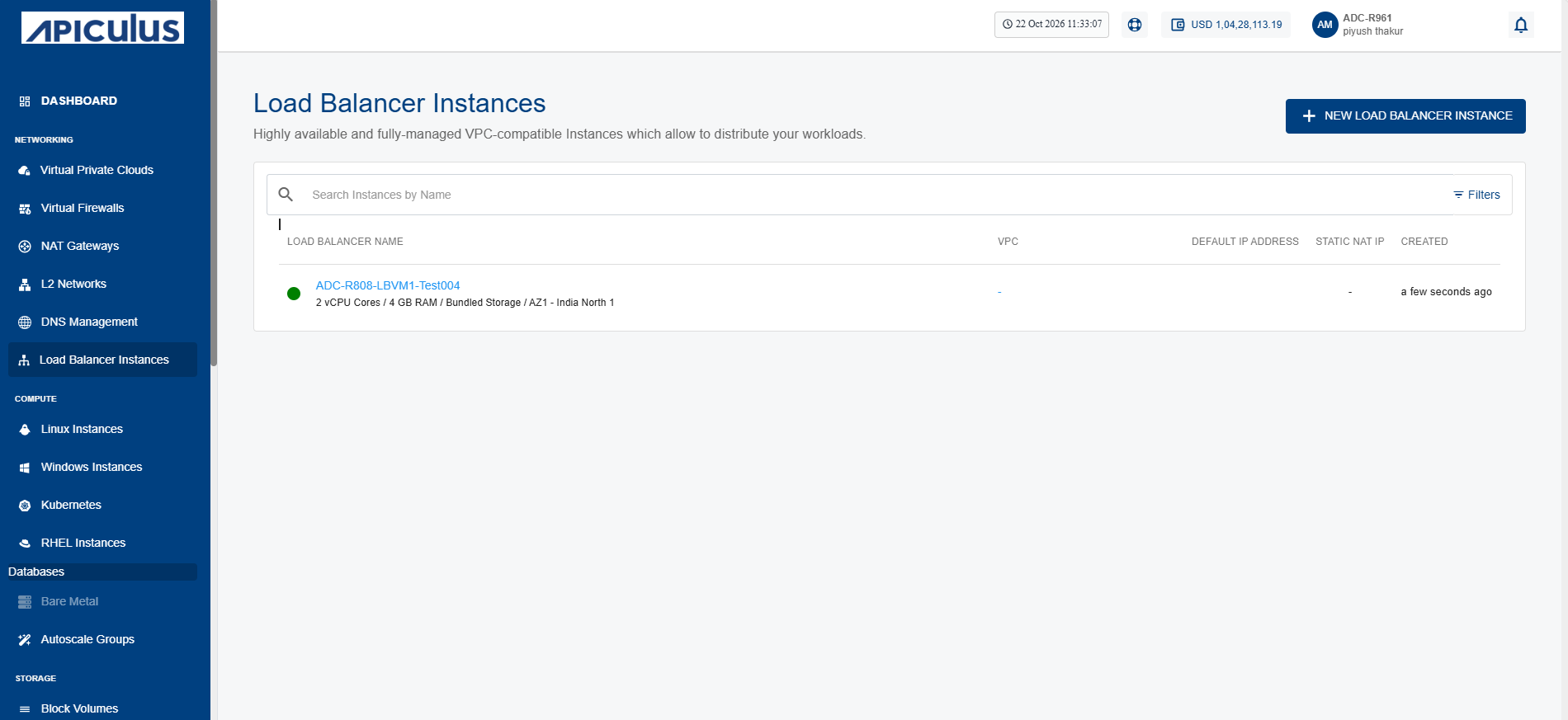
The Load Balancer Instance screen provides a centralized view for all the load balancer instances available in your account. It displays key information for each instance, allowing you to quickly identify and monitor its status and basic configuration.
To view load balancer instances, navigate to Networking > Load balancer Instances. The following screen appears: