Volume Management
To view the disks attached to particular Instance, navigate to RHEL Instances and access the Volumes tab.
RHEL Instances on Apiculus work with the Block Volumes Service and let you carry out basic disk operations.
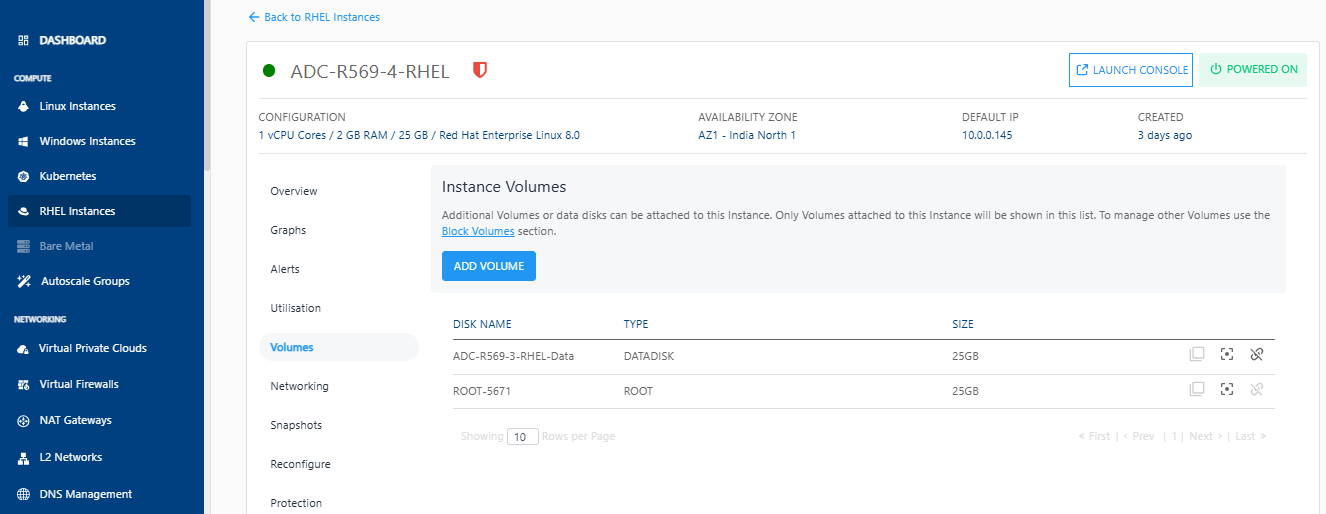
The following are the quick actions:
- Create Template - Click on it, and enter the image name and description.
- Create Snapshot - Clicking on this will create a Volume snapshot.
- Detach/attach - This option attach/detach the volume to/from the instance.
note
Volume-level operations are available as part of the Block Volumes service.