Overview
To view the below details, navigate to Kubernetes, select a Kubernetes Cluster, and access the Overview tab.
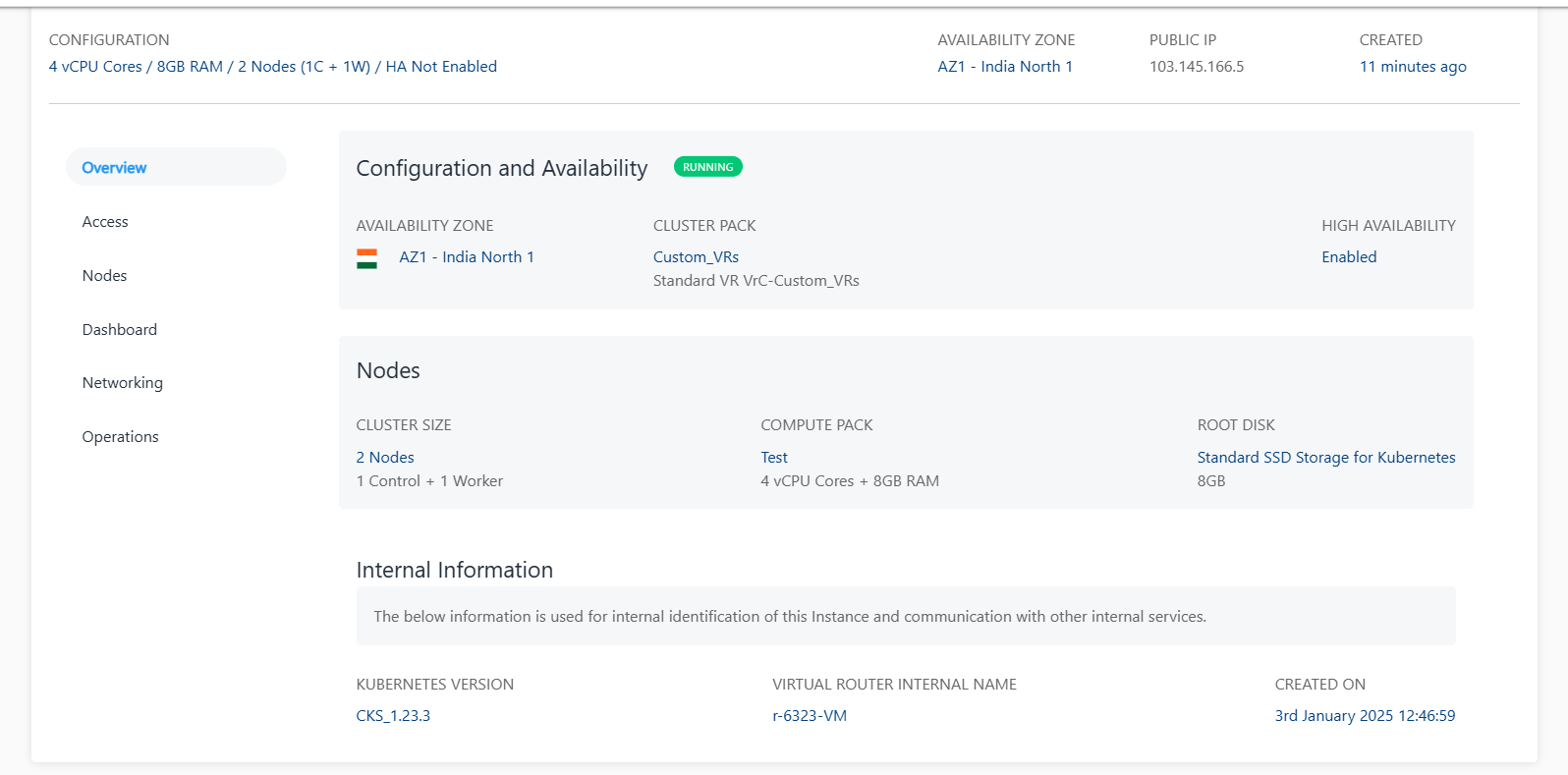
Configuration and Availability
- The cluster’s status, RUNNING, is displayed in Green, whereas STOPPED is displayed in grey.
- Information about the VPC networking zone
Nodes Information
This displays the basic information about the nodes as listed below:
- Cluster Size
- Computed Pack
- Root disk size
Internal Information
This displays the information used for internal identification of this Cluster and communication with other internal services.
- Kubernetes Version
- Virtual router internal name
- Created on