Accessing a Cluster using the Command Line
Kubernetes clusters can be accessed and controlled from the command line using the kubeconfig manifest for the cluster. Each cluster has a unique manifest which is required to identify and target the cluster using the kubectl utility.
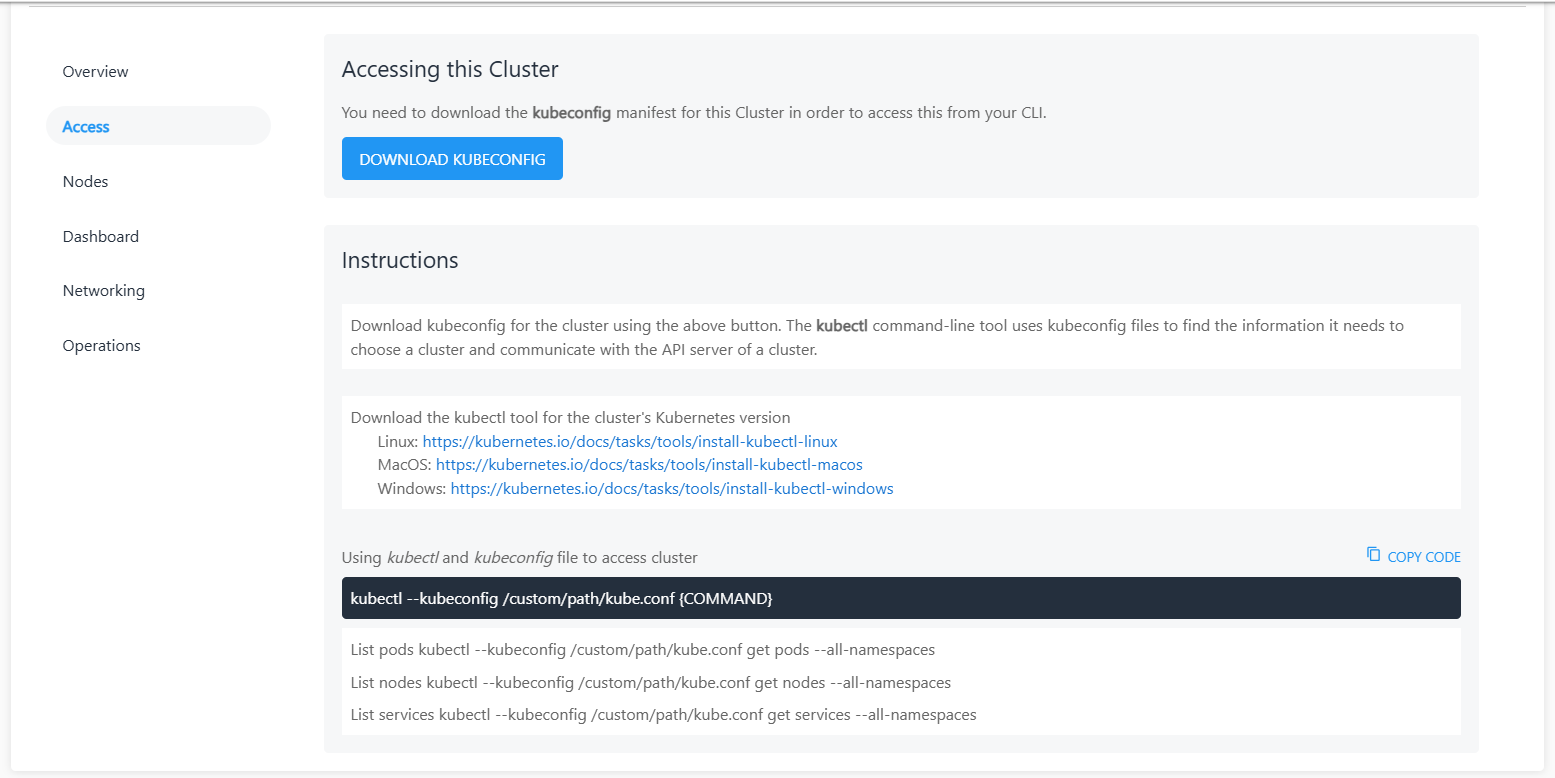
The manifest for a cluster can be downloaded using the DOWNLOAD KUBECONFIG button in the Access section of the cluster details.
Using kubectl
On the CLI, the following command can be used to access the cluster:
kubectl --kubeconfig /custom/path/kube.conf {COMMAND}
List pods kubectl --kubeconfig /custom/path/kube.conf get pods --all-namespaces

List nodes kubectl --kubeconfig /custom/path/kube.conf get nodes --all-namespaces

List services kubectl --kubeconfig /custom/path/kube.conf get services --all-namespaces

Download kubeconfig for the cluster using the above button. The kubectl command-line tool uses kubeconfig files to find the information it needs to choose a cluster and communicate with the API server of a cluster.
Downloading kubectl
The kubectl utility can be downloaded for the correct Kubernetes version for any of these operating systems: