Configuring SMS Gateway
The SMS gateway is a in-built Apiculus application that enables messages and notifications to be sent to end customers via SMS.
The following are the steps to configure SMS gateway:
- Navigate to Administration > Settings > Integrations > SMS.
 The following screen appears:
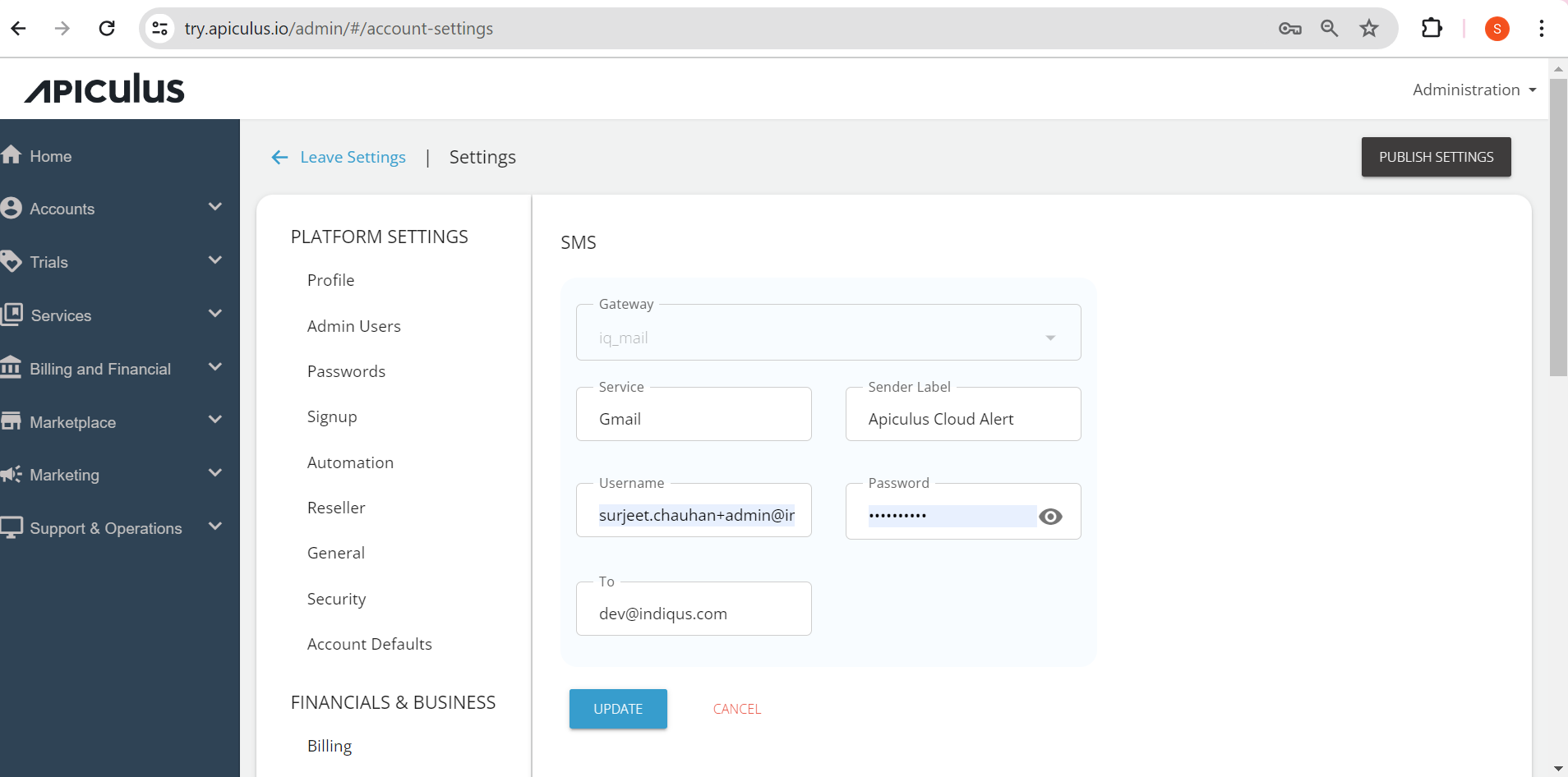
- Click on the Edit Details button and make the desired changes.
- You can edit the following fields:
- Service
- Sender Label
- Username
- Password
- Click Update.
- Click Publish Settings.