Configuring IPv4 Addresses
Follow these steps to configure IPv4 Addresses:
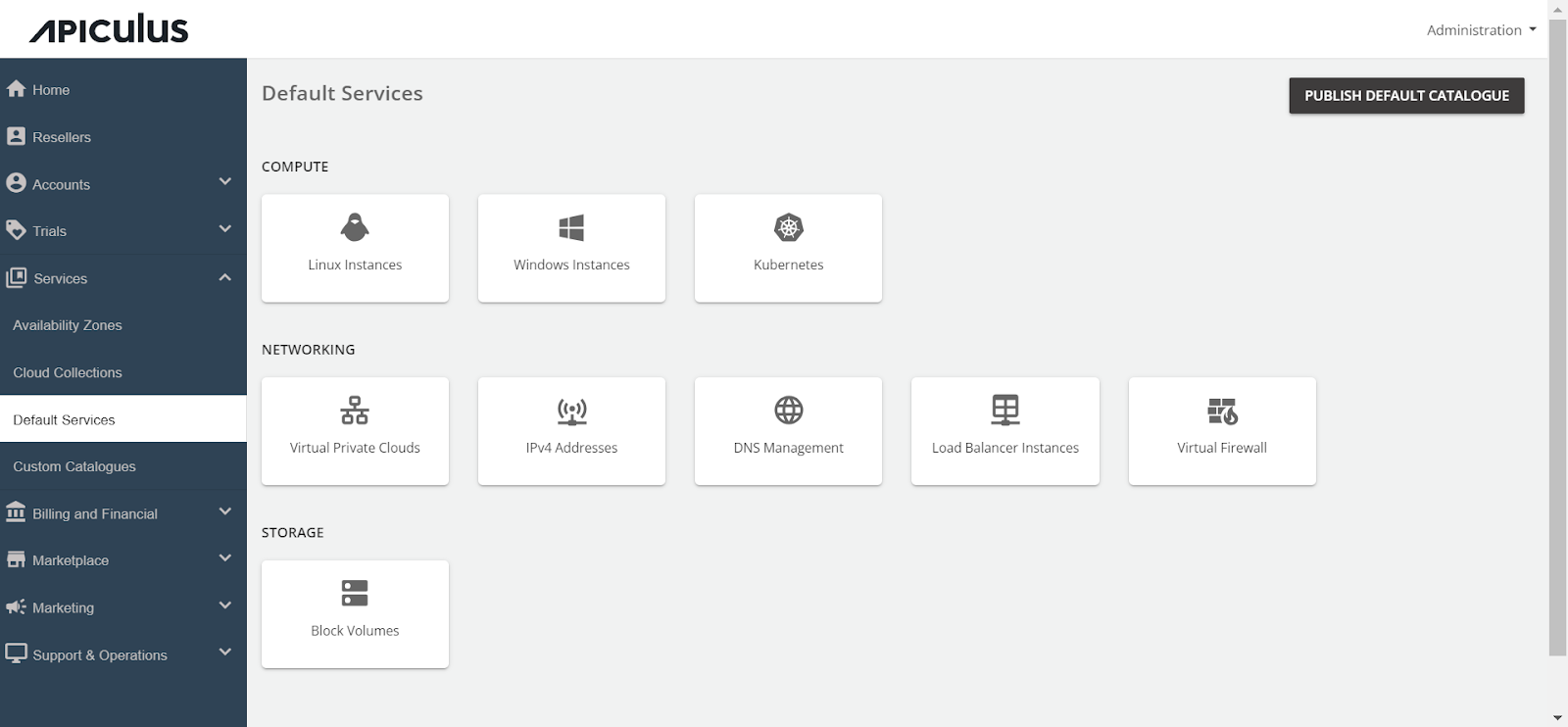
- Navigate to Default Services.
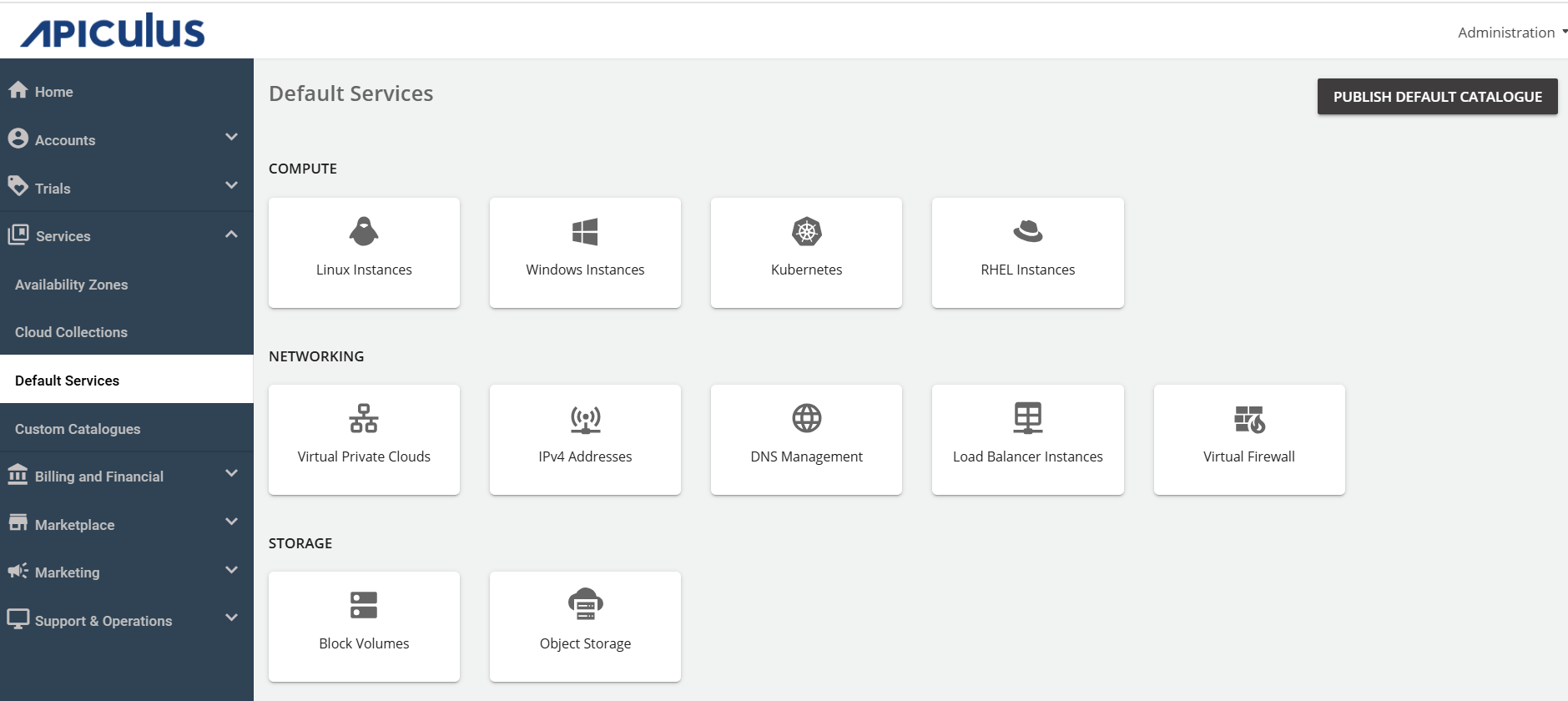
- Under Networking, select IPv4 Addresses.
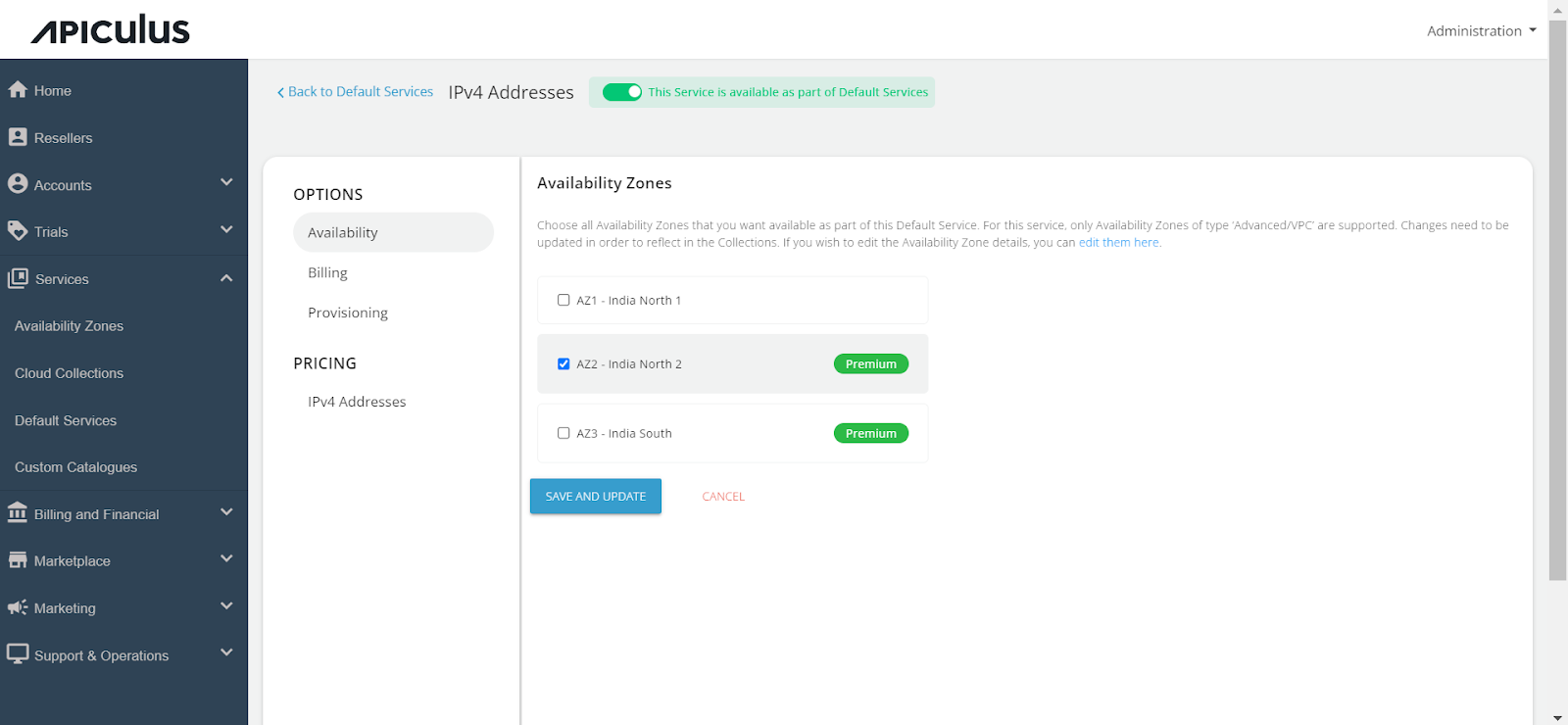
- Activate the switch at the top, indicating the availability of this service as part of the default services. All associated sections will become enabled.
- Proceed to the Availability section. Select the desired availability zones from which you want to deliver the service to the end user, then click Save and Update.
- Under the Billing section, select the Billing Options.
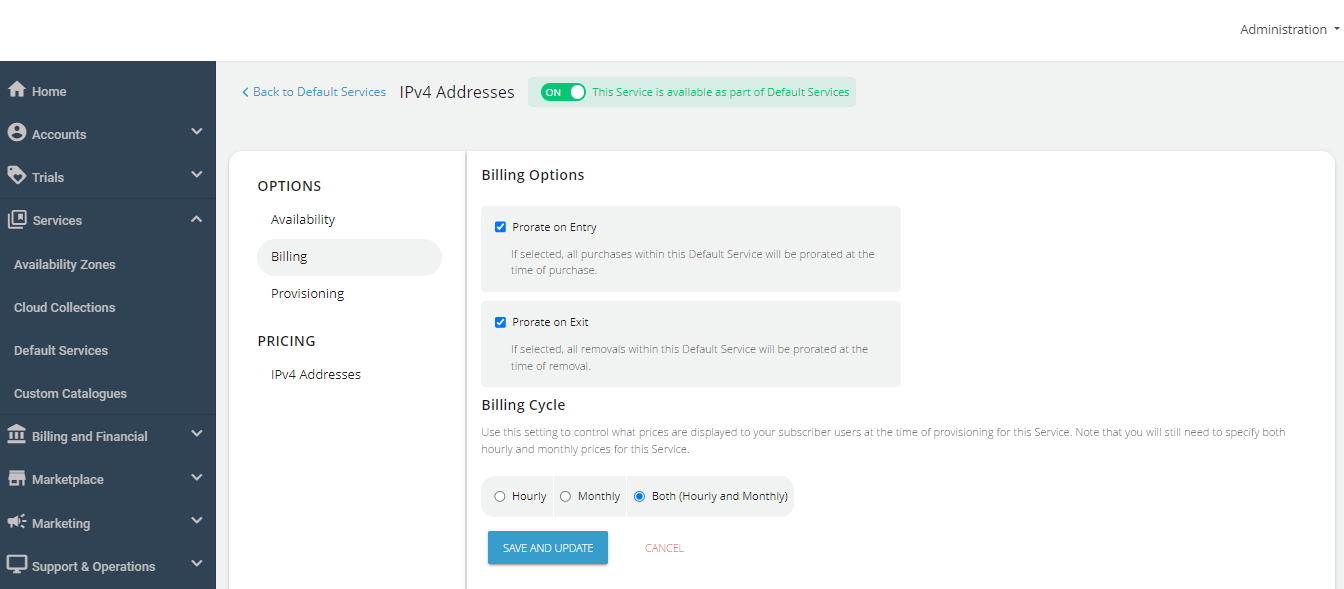
- Prorate on Entry - Purchases will be pro-rated at the time of purchase of services.
- Prorate on Exit - Removals will be pro-rated at the time of removal of services.
- Select the Billing Cycle to be displayed to the subscribers: Hourly, Monthly, or Both.
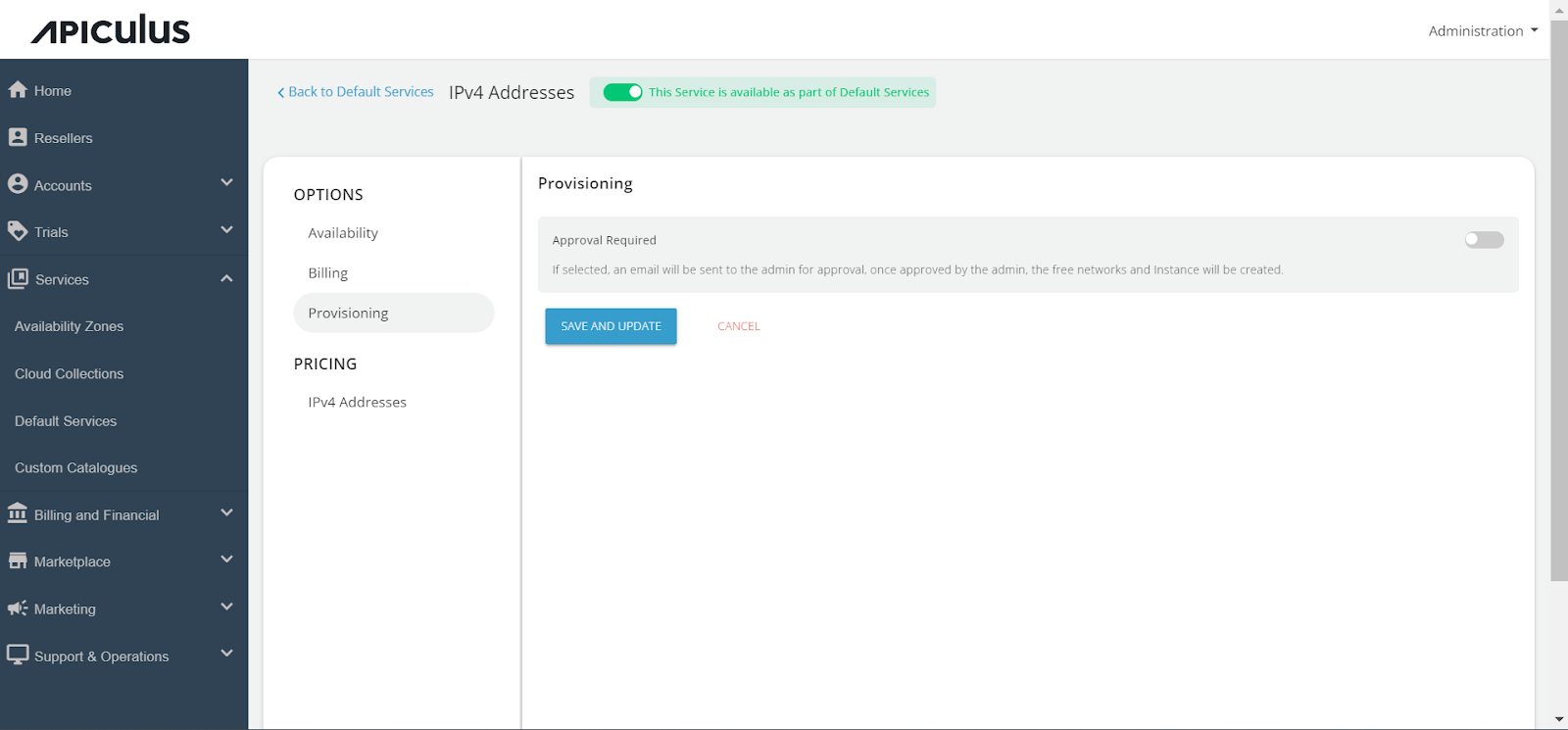
- You can provision IPv4 Addresses to an approval-based system within the Provisioning section. You can do this by activating the Approval Required switch for offering additional functionalities such as sending custom instructions to end-users upon approval and attaching up to five files, each up to three MB.
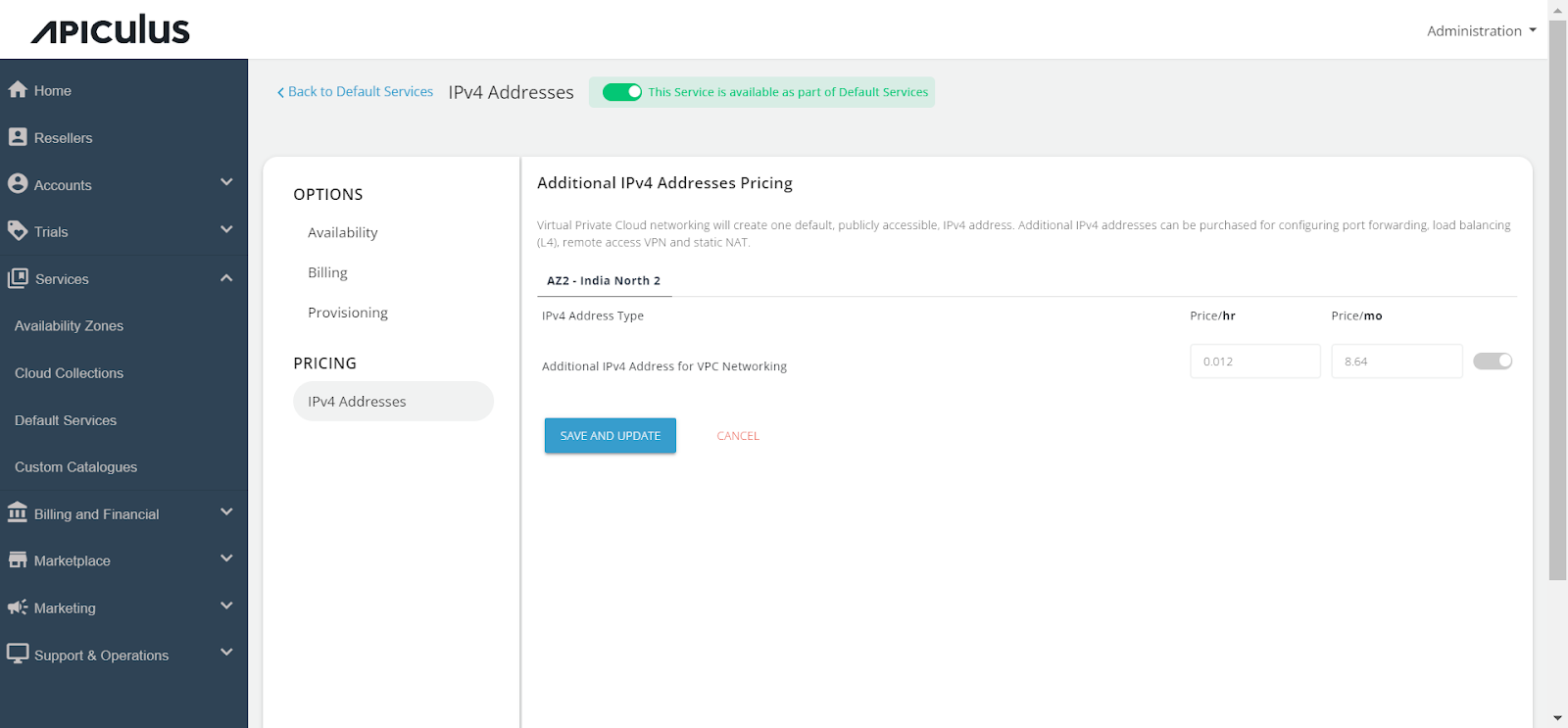
- Click on IPv4 Addresses and enable the Additional IPv4 Addresses Pricing switch and define the pricing that you want to offer to the end-user.
- Finally, return to Default Services and click PUBLISH DEFAULT CATALOGUE.